From custom forms
to clearer follow-up.
Leadya brings the building blocks of Wix lead management together, so capture is connected to the work that follows.
Get Leadya for WixUse custom contact, registration or lead capture forms for your Wix site. Decide which information you need for the next step, then match your fields and message to that purpose.
Collect and review lead information in your Leadya account. A clear lead record helps your team understand the request before reaching out.
Use notes and tasks to support your team’s follow-up process. Define responsibility and agree how you will record the next action in your setup.
Export lead information for your business’s reporting and record-keeping process. Confirm the available format and fields for your account before building a recurring workflow.
Review available reports to understand lead activity. Define what each measure means, and connect the numbers with the inquiries your team actually handles.
Check current plan details, compatibility and installation requirements for your Wix site. For questions about your specific workflow, contact Leadya.
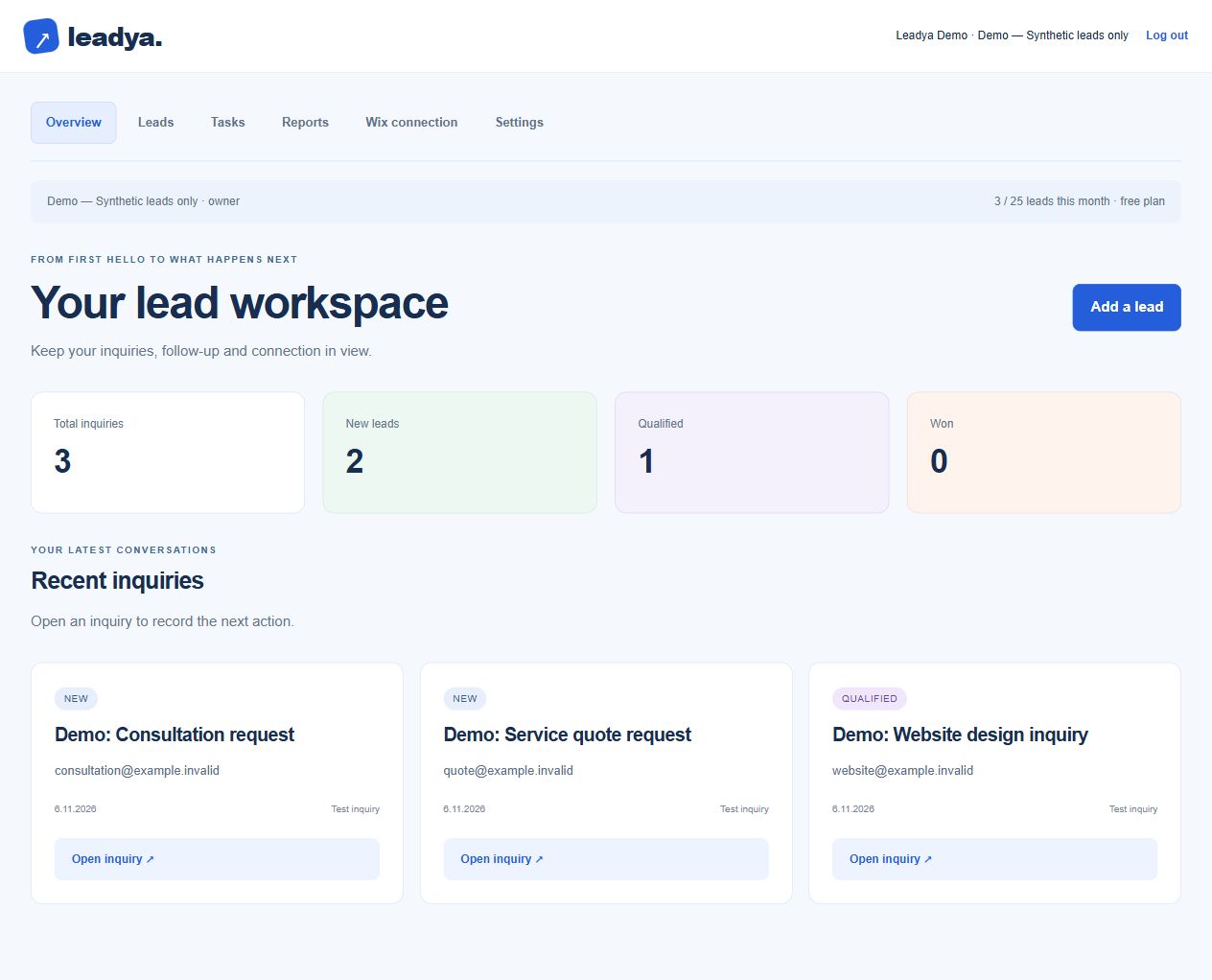
Keep the inquiry and the next action in view.
See how lead status, inquiry context and follow-up fit together in Leadya.
Build the workflow your next inquiry needs.
Bring your Wix forms and lead follow-up into one considered workflow.
Get Leadya for WixAlready using Leadya? Log in to your account